

A Scout is a browser agent that signs into a customer’s system and pulls data on their behalf. A task is the instruction set that tells the Scout what to do.Documentation Index
Fetch the complete documentation index at: https://docs.vern.so/llms.txt
Use this file to discover all available pages before exploring further.
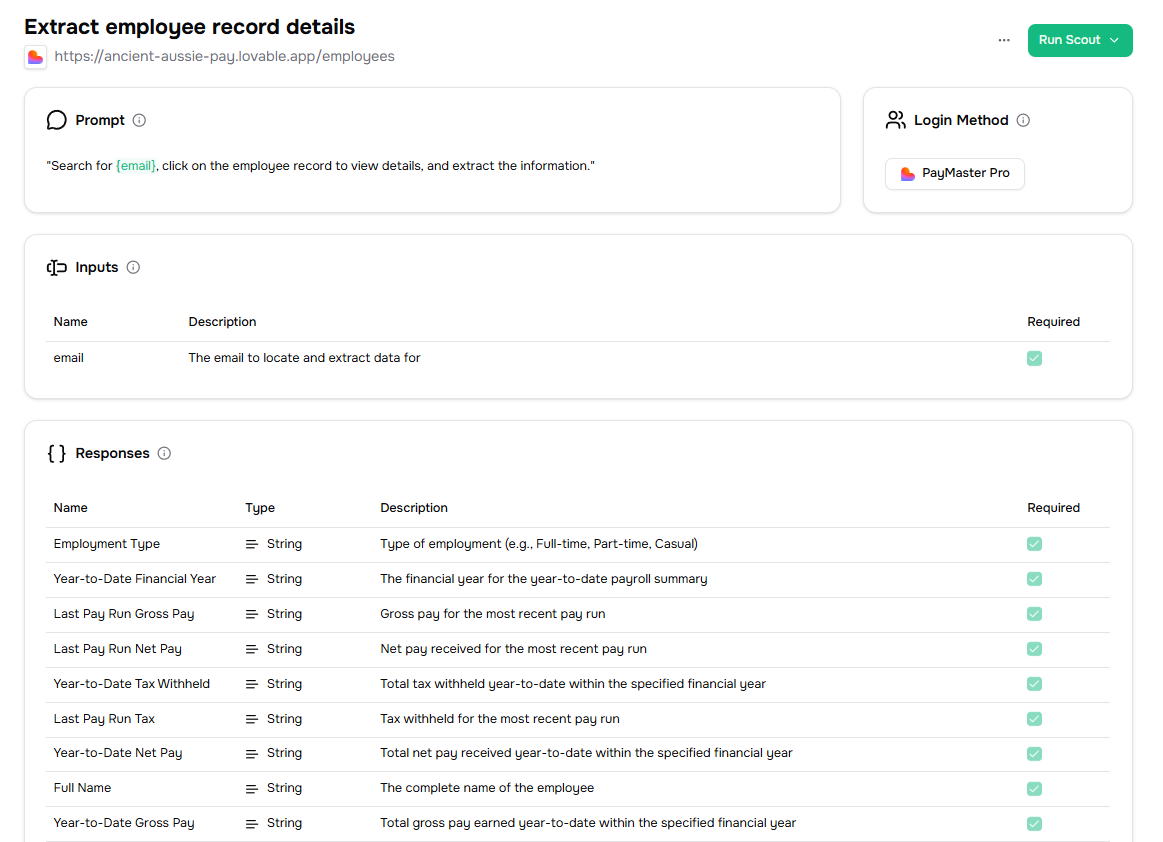
Create a task
Go to the Tasks section and click New task. You can build one two ways:- Task Studio — record yourself navigating the target site. Vern generates a task from your actions.
- Manual — write the instructions in plain English. Tell the Scout where to go, what to click, and what to grab.
What a Scout can grab
- Structured fields scraped from a page (names, IDs, dates, statuses).
- File downloads — PDFs, CSVs, Excel files. Useful when the legacy system has an “Export” button.
- Multi-page traversals — open a list, visit each item, collect details.