

Create one
- Go to Companies and click New company.
- Name it after your customer.
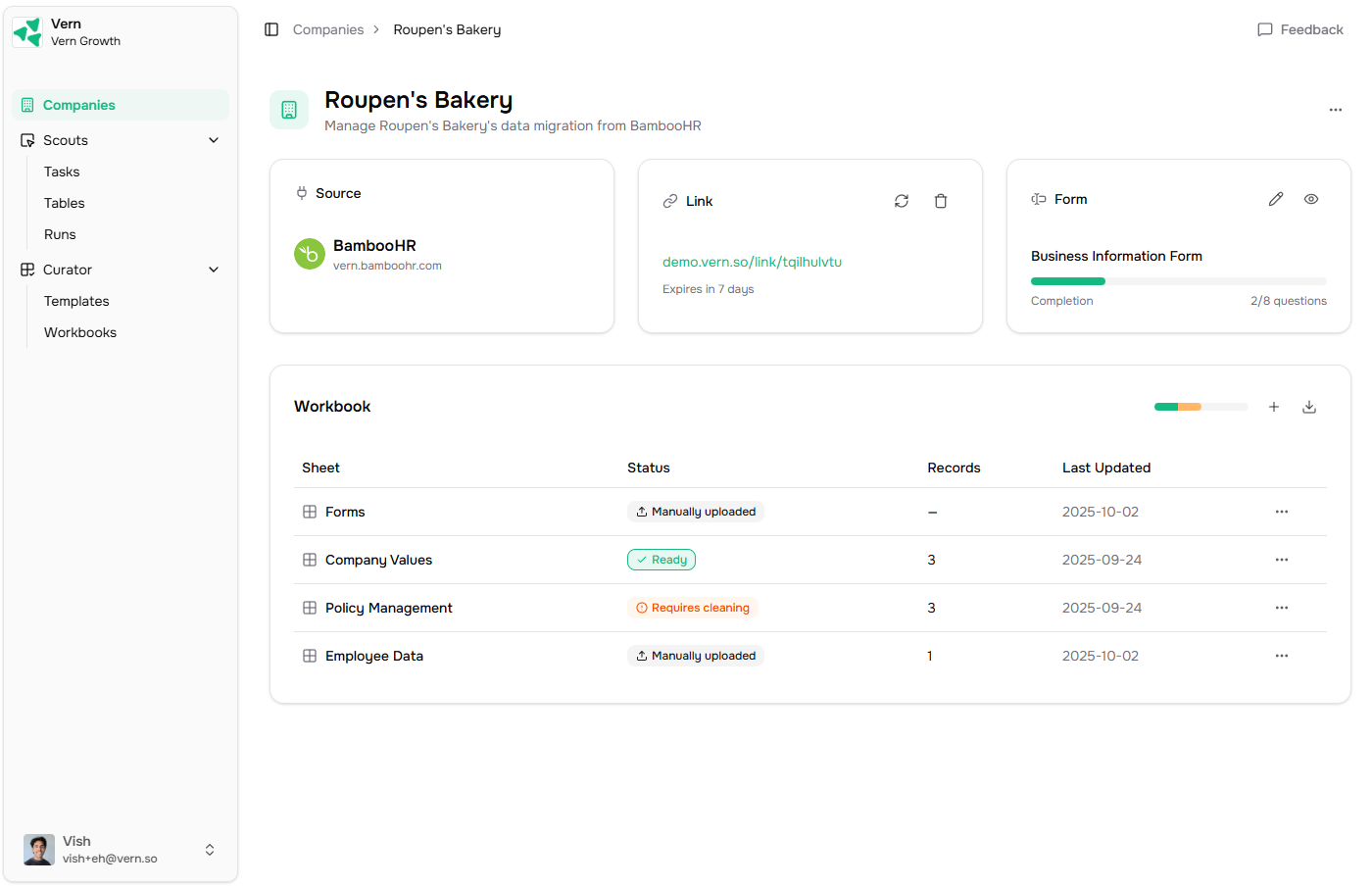
- Pick the templates that should become sheets in their workbook. Each template becomes one sheet, pre-validated against your schema.
- A workbook with one sheet per template you picked.
- A magic link you can share with the customer to collect data.
- A Properties card on the company page where you’ll see the source, link, and any external ID.
What you do next
- Share a magic link — let the customer upload data, answer questions, or grant access to their old system.
- Run an import — once you have files, run the import agent.