

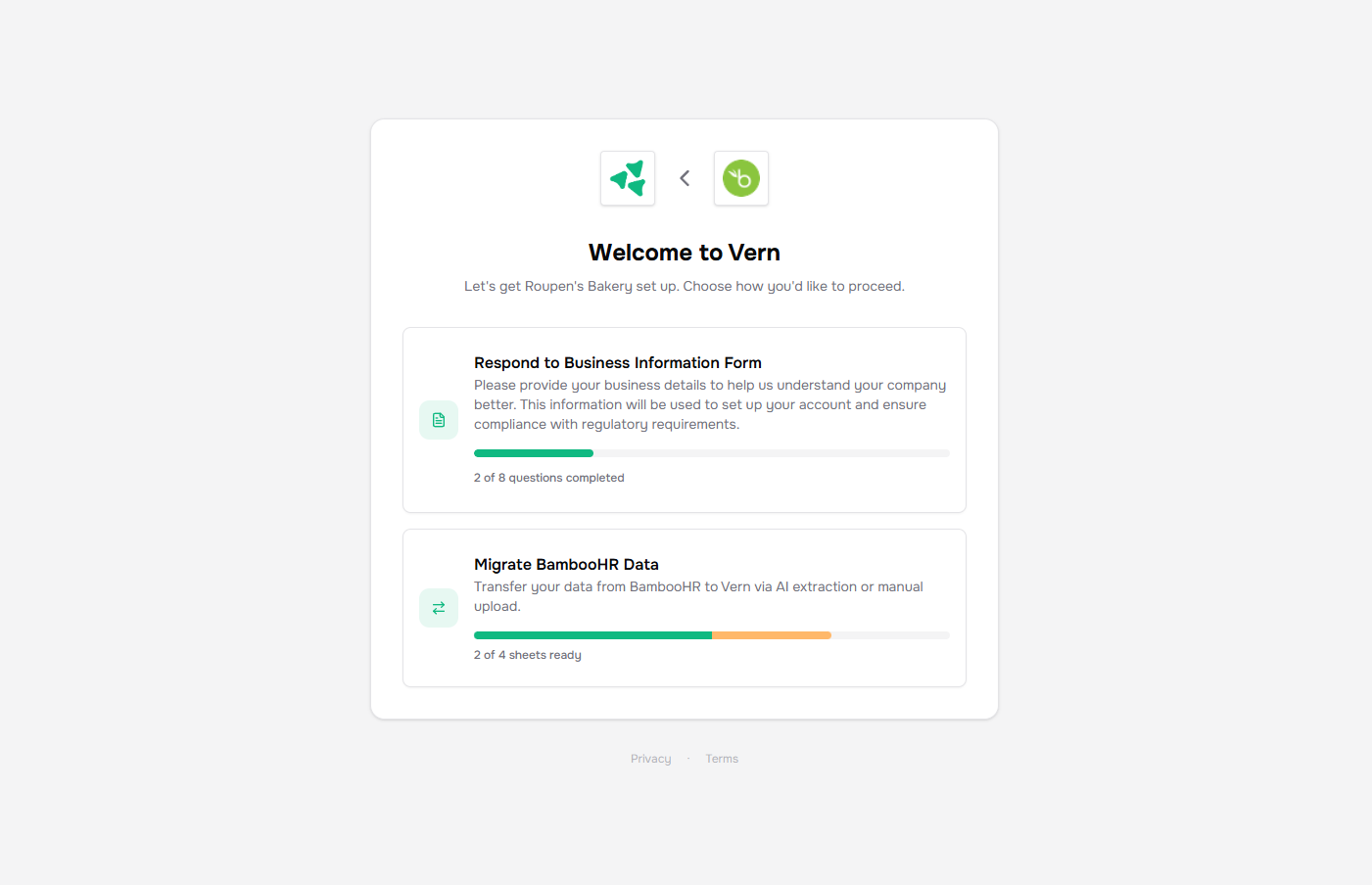
What your customer does
They open the link, accept the Terms and Privacy notice once, and upload files — CSVs, Excel exports, PDFs, one or many at a time. Everything flows straight into the company’s workbook.Send and revoke
Copy the link from the Properties card on the company page and send it however you normally talk to the customer. To revoke access, click Refresh link on the same card. The old URL stops working immediately and a new one takes its place.Next
- How import works — what happens after a file lands.