

A run is a single execution of a task. Use a run when you need one specific report, document, or page.Documentation Index
Fetch the complete documentation index at: https://docs.vern.so/llms.txt
Use this file to discover all available pages before exploring further.
The customer must first authenticate the source via their magic link. Without that, the Scout has no credentials to sign in with.
Start a run
- Open the Scouts section and select the task.
- Click Run and provide any inputs the task needs (search term, report name, etc.).
- Watch it execute live — the Scout shows you each step as it goes.
Status
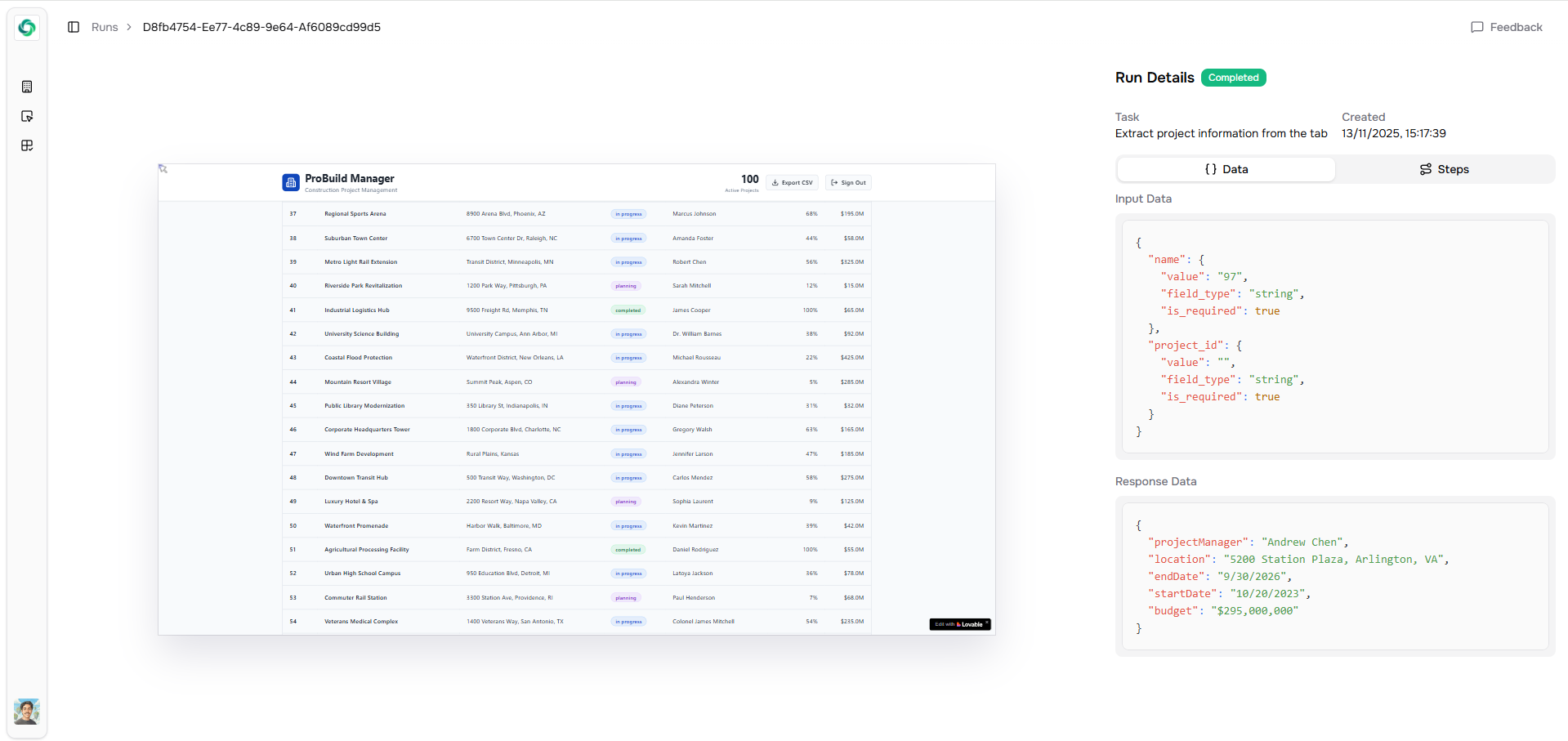
Every run is tracked. You’ll see when it started, when it finished, what it returned, and any errors. Past runs stay accessible on the/tasks page.
Next
- Tables — run the same task across many records.
- How import works — pipe a Scout’s output through the import agent.