> ## Documentation Index
> Fetch the complete documentation index at: https://docs.vern.so/llms.txt
> Use this file to discover all available pages before exploring further.
# Share a magic link
> One link your customer uses to share their data with you.
Every company has a magic link. Send it to your customer and they can upload data without a Vern account.
 ## What your customer does
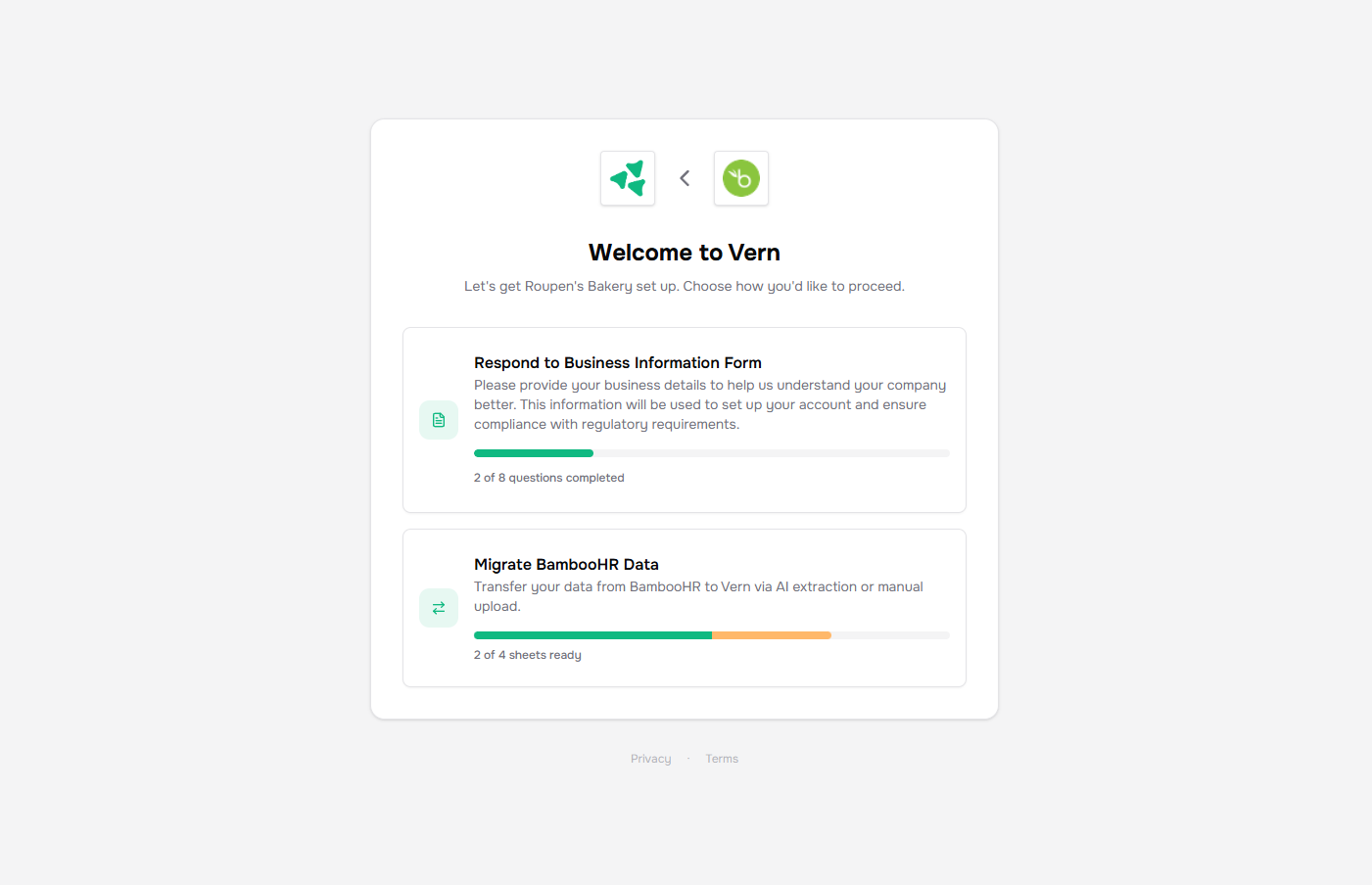
They open the link, accept the Terms and Privacy notice once, and upload files — CSVs, Excel exports, PDFs, one or many at a time. Everything flows straight into the company's workbook.
## Send and revoke
Copy the link from the Properties card on the company page and send it however you normally talk to the customer.
To revoke access, click **Refresh link** on the same card. The old URL stops working immediately and a new one takes its place.
## Next
* [How import works](/help-center/import/how-it-works) — what happens after a file lands.
## What your customer does
They open the link, accept the Terms and Privacy notice once, and upload files — CSVs, Excel exports, PDFs, one or many at a time. Everything flows straight into the company's workbook.
## Send and revoke
Copy the link from the Properties card on the company page and send it however you normally talk to the customer.
To revoke access, click **Refresh link** on the same card. The old URL stops working immediately and a new one takes its place.
## Next
* [How import works](/help-center/import/how-it-works) — what happens after a file lands.