> ## Documentation Index
> Fetch the complete documentation index at: https://docs.vern.so/llms.txt
> Use this file to discover all available pages before exploring further.
# Create a company
> Set up a company for one customer you're onboarding.
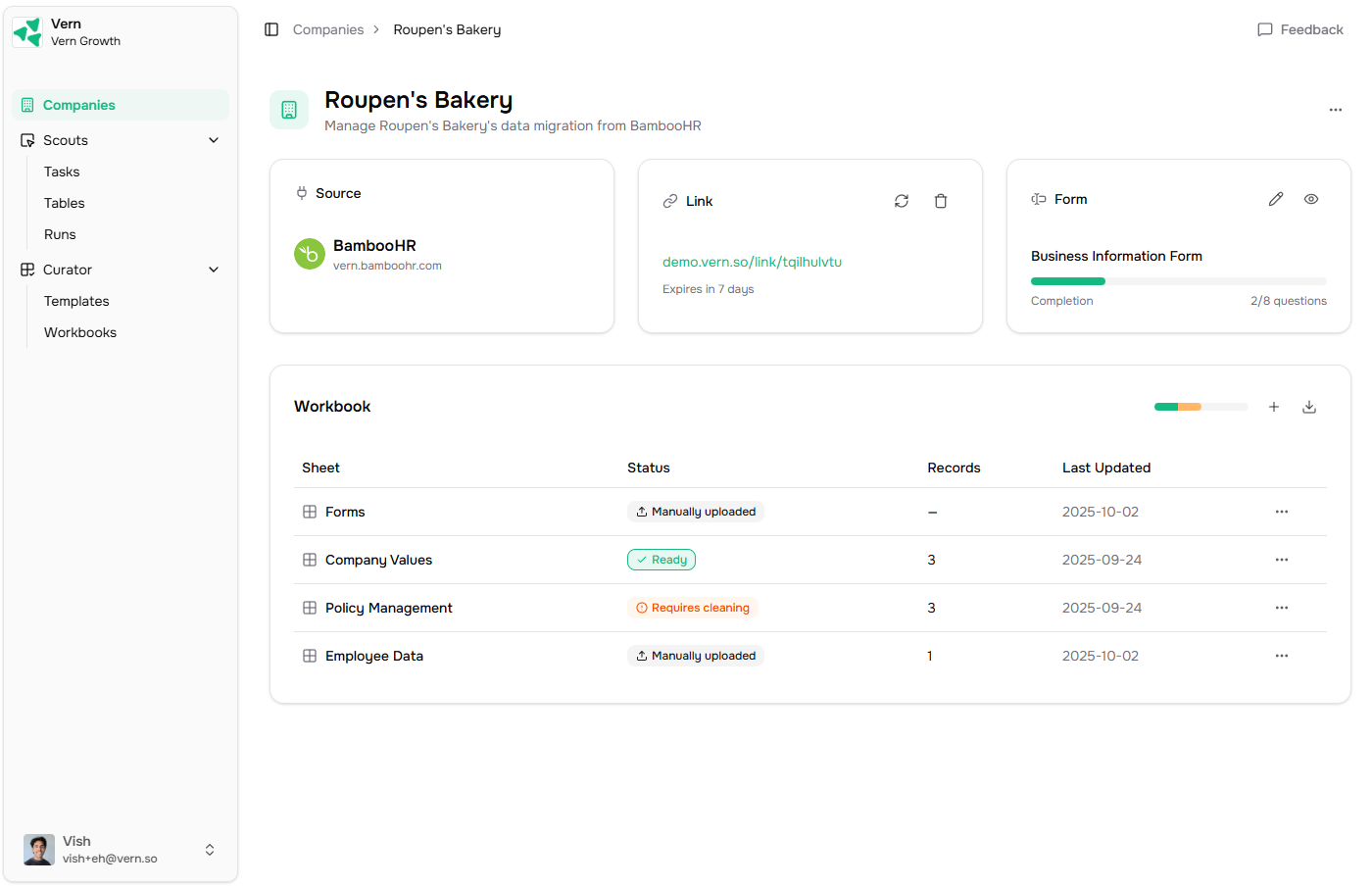
A company holds everything for one customer you're onboarding — their workbook, magic link, and any data you collect for them.
 ## Create one
1. Go to [Companies](https://app.vern.so/companies) and click **New company**.
2. Name it after your customer.
3. Pick the templates that should become sheets in their workbook. Each template becomes one sheet, pre-validated against your schema.
That's it. You now have:
* A **workbook** with one sheet per template you picked.
* A **magic link** you can share with the customer to collect data.
* A **Properties card** on the company page where you'll see the source, link, and any external ID.
## What you do next
* [Share a magic link](/help-center/onboard/share-a-magic-link) — let the customer upload data, answer questions, or grant access to their old system.
* [Run an import](/help-center/import/how-it-works) — once you have files, run the import agent.
Building this into your product? You can create a customer's migration and workbook over the API and run the whole flow headlessly. See [Create a migration](/migration-api/create-a-migration).
## Create one
1. Go to [Companies](https://app.vern.so/companies) and click **New company**.
2. Name it after your customer.
3. Pick the templates that should become sheets in their workbook. Each template becomes one sheet, pre-validated against your schema.
That's it. You now have:
* A **workbook** with one sheet per template you picked.
* A **magic link** you can share with the customer to collect data.
* A **Properties card** on the company page where you'll see the source, link, and any external ID.
## What you do next
* [Share a magic link](/help-center/onboard/share-a-magic-link) — let the customer upload data, answer questions, or grant access to their old system.
* [Run an import](/help-center/import/how-it-works) — once you have files, run the import agent.
Building this into your product? You can create a customer's migration and workbook over the API and run the whole flow headlessly. See [Create a migration](/migration-api/create-a-migration).